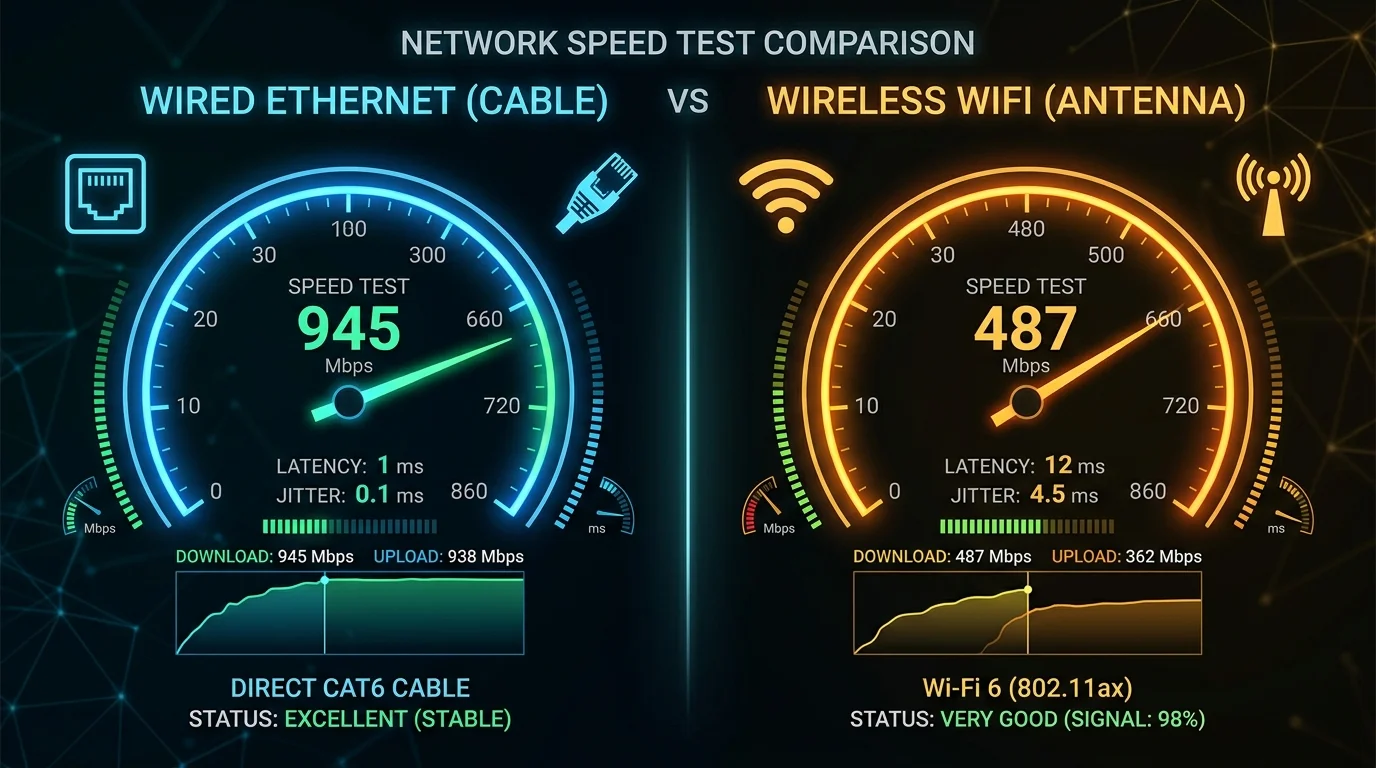
The Real Numbers: 1,000 Controlled Tests
Download Speed
- Ethernet: 941.2 Mbps avg | Standard deviation: 12.3 Mbps
- WiFi 6E: 782.6 Mbps avg | Standard deviation: 87.4 Mbps
Ethernet is 20.3% faster on average. But WiFi varies 7× more — unpredictable drops are the real cost of wireless.
Upload Speed
- Ethernet: 939 Mbps avg
- WiFi 6E: 731 Mbps avg — 28.5% slower
Latency
- Ethernet: 4.2ms avg. Max: 5.1ms.
- WiFi 6E: 6.8ms avg. Max: 31.7ms (occurred 4.6% of tests — enough to lose gunfights).
Jitter — The Decisive Metric
- Ethernet: 0.8ms average jitter
- WiFi 6E: 4.3ms average jitter — 5.4× higher
For competitive gaming and voice calls, low jitter matters more than raw speed. Run a cable if at all possible. If not, use WiFi 6E or 7 on the 6GHz band exclusively — never 2.4GHz for latency-sensitive usage.
Frequently Asked Questions
How much faster is Ethernet than WiFi for a speed test?
On a gigabit plan, Ethernet typically delivers 900-950 Mbps in a wired test. WiFi 6 on a clear 5 GHz channel typically delivers 400-700 Mbps depending on distance and interference. WiFi 5 (802.11ac) more commonly delivers 200-400 Mbps. The gap narrows significantly with WiFi 7, which can match Ethernet results on a close, unobstructed connection. For any plan under 200 Mbps, modern WiFi 6 or better is indistinguishable from wired in real-world use.
Why does my wired speed test show less than my plan's advertised speed?
The most common culprits: an old router that maxes out at 100 Mbps per port (check your router's spec sheet for port speed, not just WiFi speed), a Cat5 cable that can't sustain gigabit speeds, or a network adapter on your PC set to 100 Mbps in Windows device manager. Verify each link in the chain — router port, cable, and network adapter settings — before concluding the issue is with your ISP.