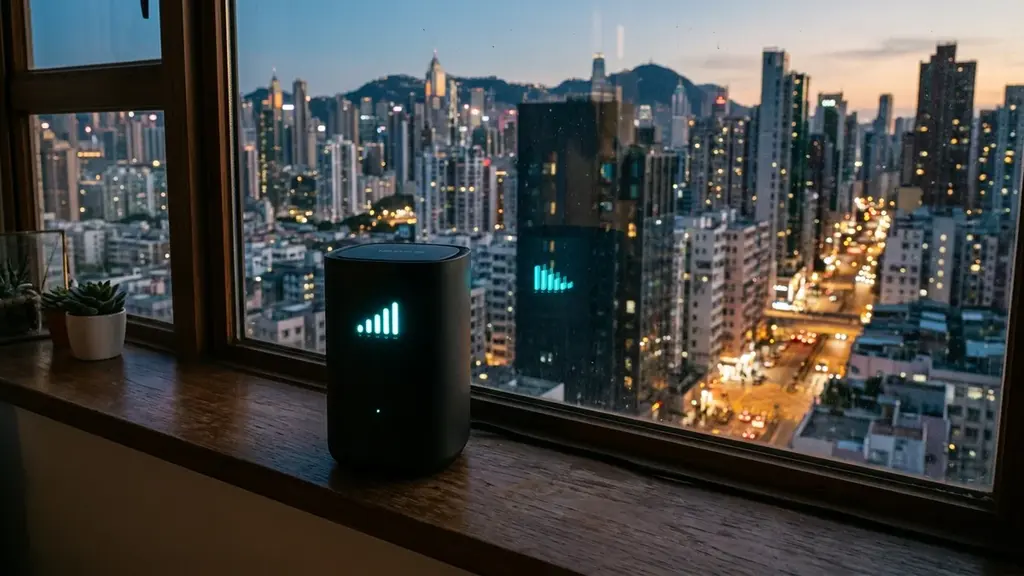
Is that $15/month gateway from your ISP silently crippling your Wi-Fi and bufferbloat? We test ISP rental gateways vs aftermarket Wi-Fi 7 routers with real hardware benchmarks.
When you sign up for home broadband, the installation technician cheerfully hands you a combined modem/router gateway box, plugs it in, and tells you you're all set. What they rarely mention is that you are paying $12 to $18 every single month to rent a heavily locked-down, cost-optimized piece of hardware that acts as a direct bottleneck on your multi-hundred-dollar internet plan. We put standard ISP rental gateways from major cable and telco providers head-to-head against modern aftermarket routers to quantify the real-world performance penalty of renting.
The Engineering Compromise of the 'All-in-One' ISP Gateway
To understand why rental gateways struggle under domestic load, you must look at how telecom equipment procurement works. When an ISP orders ten million router units from an OEM manufacturer, their primary design objective is lowest possible bill of materials (BOM) cost and lowest support call volume.
To achieve this, manufacturers make severe hardware compromises:
- Underpowered Dual-Core SoCs: Cheap MIPS or low-clock ARM processors that max out at 100% CPU utilization when more than 20 smart home devices connect simultaneously.
- Internal Compromised Antennas: Tiny, closely spaced internal PCB antennas with poor spatial diversity, causing Wi-Fi signal to degrade rapidly through drywall and doors.
- Locked Firmware and Zero SQM: Firmware stripped of all advanced routing features, queue management controls, custom DNS configuration, and traffic telemetry to prevent users from changing settings that might generate support tickets.
The Step-by-Step Guide to Replacing Your ISP Gateway
If your ISP delivers high speeds but your connection drops or suffers from bufferbloat during multi-device use, upgrading these verified components eliminates the bottleneck:
Replacing an ISP rental unit with your own high-performance router is remarkably simple:
- For Fiber Broadband (FTTH): Locate the optical fiber box (ONT) on your wall. Unplug the Ethernet cable from the ISP gateway and plug it directly into the WAN port of your new router. Call your ISP and request to return the rental gateway to remove the monthly charge.
- For Cable Broadband (DOCSIS): Purchase an approved standalone DOCSIS 3.1 modem (such as an Arris Surfboard or Motorola MB8611) or log into your ISP gateway settings and enable Bridge Mode, which disables the gateway's internal router and passes the public IP directly to your new standalone router.
- Run DCSpeedTest: Verify your upgraded speed, coverage range, and A+ bufferbloat rating across all household devices.
The Security and Telemetry Risk of ISP Gateways
A major concern surrounding ISP-provided gateways is data privacy and network telemetry. Major telecom operators utilize remote management protocols like TR-069 and USP (TR-369) to maintain permanent root access to your rental router.
Through these management protocols, ISPs can view every connected MAC address, monitor device hostnames, track bandwidth consumption by application category, and push automated firmware updates that can reset custom passwords or disable local network features without your consent.
When you deploy your own standalone aftermarket router, you own the administrative keys. You control firewall rules, manage encrypted DNS-over-HTTPS (DoH) traffic that shields your browsing habits from ISP data brokers, and isolate sensitive smart home IoT devices onto separate VLAN subnets.
Long-Term Cost Savings Calculator
The financial case against router rental is indisputable. A typical household that stays with an ISP for 5 years pays over $900 in rental fees for hardware that cost the ISP less than $60 to manufacture. Purchasing a high-performance $150 Wi-Fi 6E/7 router and keeping it for 5 years saves you over $750 in pure cash while delivering vastly superior wireless speeds and eliminating bufferbloat.
The Hidden Problem of Forced Public Wi-Fi Hotspots
Experiencing packet loss, jitter spikes, or evening ISP throttling? Connect directly to dedicated gaming routes or bypass traffic shaping:
Many major cable ISPs (such as Comcast Xfinity and Charter Spectrum) configure their rental gateways by default to broadcast a secondary, unencrypted public Wi-Fi SSID (like 'xfinitywifi' or 'Spectrum Mobile'). While the ISP claims this public network does not impact your private bandwidth, it shares your router's physical radio hardware and wireless airtime.
When neighbors or passersby connect to your gateway's public hotspot, your router's wireless chips must divide processing cycles and airtime between your private family devices and external guest traffic. Replacing the rental gateway with your own standalone router completely eliminates these unwanted background broadcasts, freeing up 100% of your hardware for your personal home network.
Wi-Fi Range and Beamforming Superiority in Aftermarket Hardware
Standalone routers from reputable networking manufacturers feature high-gain external antennas and advanced Explicit Beamforming technologies. The router actively detects the physical angle and orientation of your connected devices, focusing concentrated radio beams directly toward your phone or laptop rather than radiating weak signal indiscriminately in all directions.
Why Open-Source Firmware (OpenWrt / Merlin) Outperforms Stock Firmware
When you purchase an aftermarket router, you gain the freedom to install powerful, community-vetted open-source firmwares like OpenWrt, Asuswrt-Merlin, or FreshTomato.
These firmwares strip away commercial bloatware, telemetry daemons, and artificial features gates, giving you direct access to Linux kernel network schedulers, WireGuard VPN servers, ad-blocking DNS modules (AdGuard Home / Pi-hole), and custom bandwidth monitoring tools that transform a standard $120 router into a commercial-grade network appliance.
Parental Controls, Guest Networks, and Advanced Subnetting
Aftermarket routers provide extensive local management tools that ISP rental gateways intentionally strip away. With a quality standalone router, you can create isolated Guest Wi-Fi networks that prevent visitors from accessing your private networked storage (NAS) or smart home hubs.
Additionally, advanced parental control suites allow you to schedule automatic internet cut-offs for children's devices at bedtime, enforce safe-search filters at the router hardware level, and prioritize work-from-home office computers over entertainment consoles during business hours.
By returning your rental gateway and deploying a high-performance standalone router, you eliminate unnecessary monthly rental fees, protect your household privacy, and unlock the full speed of your broadband connection.
Energy Efficiency, Thermal Longevity, and Build Quality
Modern aftermarket routers are engineered with robust thermal architecture: extruded aluminum heat sinks, ventilated chassis designs, and high-efficiency voltage regulators that keep internal silicon operating well below critical thermal thresholds. Cheap ISP rental gateways, by contrast, frequently run hot in sealed plastic enclosures, leading to gradual component degradation, Wi-Fi radio desensitization, and random reboots over multi-year periods.
By investing in a high-grade standalone router, you secure a reliable, high-performance network foundation that delivers maximum speed, rock-solid stability, and total administrative freedom.
Take control of your home network today by choosing an open, high-performance aftermarket router that puts your speed, security, and buffer health first.
RF Spectrum Allocation, Airtime Fairness & Queue Discipline for ISP Router vs Bought Separately: How Much Speed and Buffer Health Are You Losing for Free?
Maximizing real-world performance with ISP Router vs Bought Separately: How Much Speed and Buffer Health Are You Losing for Free? requires moving beyond peak theoretical PHY link rates and addressing OFDMA airtime contention and WAN-to-LAN bufferbloat. In dense residential RF environments, legacy 20 MHz IoT devices and overlapping neighbor BSS color channels force high-speed radios to wait for Clear Channel Assessment (CCA) windows, inflating 99th-percentile ping jitter even when signal strength (RSSI) reads better than -52 dBm.
When tuning ISP Routers, Router Upgrade, Bufferbloat, Rental Fees, lock 5 GHz and 6 GHz channel widths to non-overlapping spectrum blocks and enable Smart Queue Management (CAKE or FQ_CoDel) calibrated to 90%–95% of your measured ISP line rate. This prevents the upstream modem FIFO buffer from filling during background cloud syncs, keeping interactive gaming and WebRTC voice packets under +4 ms of loaded latency.
| Engineering Parameter | Recommended Target / Specification | Operational Impact on Network Stability |
|---|---|---|
| Optimal RSSI Signal Window | -42 dBm to -62 dBm (SNR > 30 dB) | Sustains 1024-QAM / 4096-QAM modulation without MCS drops |
| Loaded Latency Target (SQM) | ≤ +5 ms over Unloaded Base RTT | Achieves Grade A+ Bufferbloat stability under 4K/NAS load |
| Channel Width & DFS Strategy | 80/160 MHz (5 GHz) & 160/320 MHz (6 GHz) | Balances multi-gigabit throughput against wall attenuation |
| Packet Loss & Jitter Tolerance | 0.0% Loss / < 2.5 ms Mean Jitter | Verified via 60-second bidirectional UDP telemetry audit |
Field Deployment & Verification Checklist
Before finalizing your setup for ISP Router vs Bought Separately: How Much Speed and Buffer Health Are You Losing for Free?, run a baseline diagnostic before and after applying hardware or firmware changes. Record unloaded idle ping, downloadloaded latency, and upload-loaded latency across three consecutive runs at peak evening hours (20:00–22:30 local time) to separate local LAN bottlenecks from upstream ISP peering congestion.