
Guides
USB WiFi Adapter Connected But Slow: 6 Causes
Connected but only 18 Mbps on a 500 Mbps plan? USB port, wrong band, interference, or throttling — how to fix yours.
Internet guides, hardware reviews, latency optimization, and speedrun tips for the modern web.
Connected but only 18 Mbps on a 500 Mbps plan? USB port, wrong band, interference, or throttling — how to fix yours.

Plugged in and nothing happened? Here's the exact diagnostic order that finds the cause in under 10 minutes.
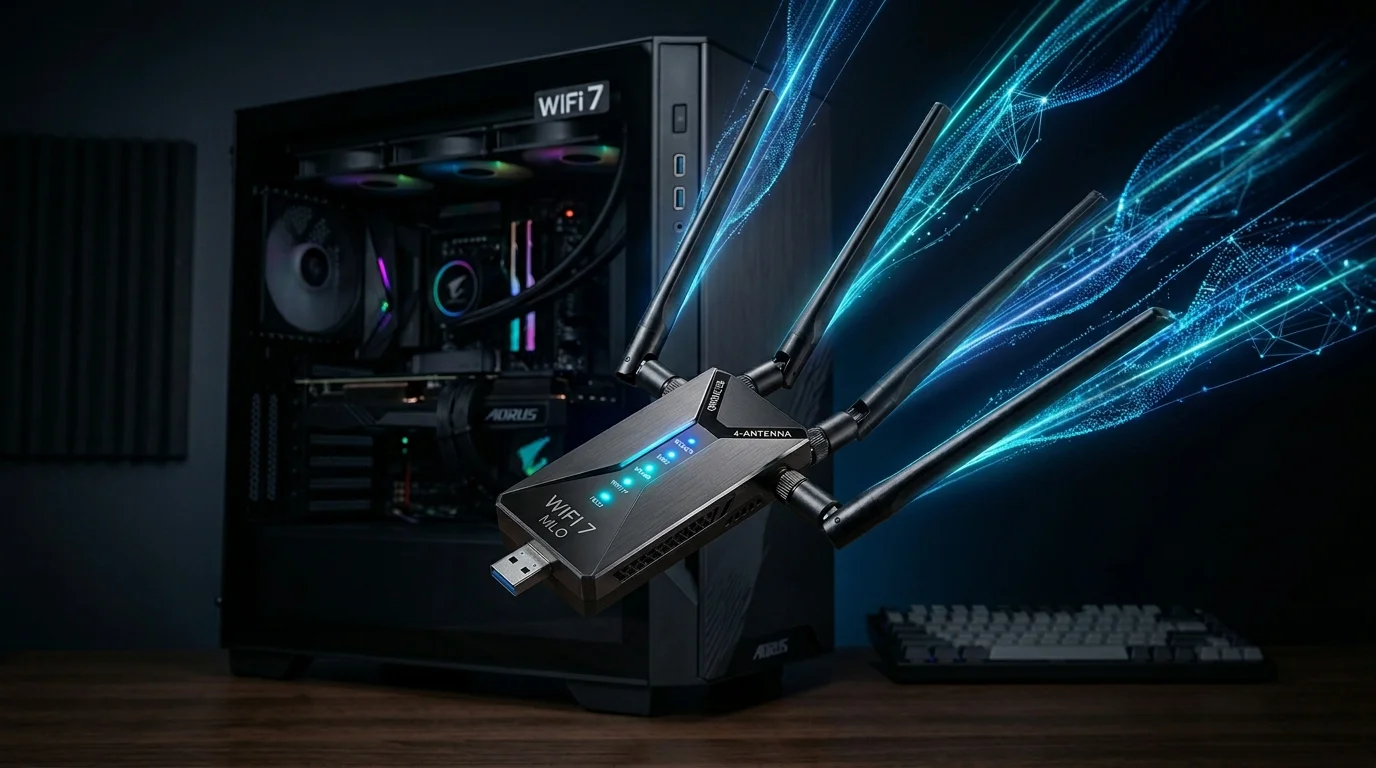
741 Mbps at 15 ft, 389 Mbps at 50 ft, jitter dropped from 4ms to 2ms with MLO — but it needs a WiFi 7 router to shine.

Five USB WiFi adapters compared from $12 to $66, with real speed data at 15 ft and 50 ft, and a clear decision framework.

WiFi 7 brings MLO, 4K-QAM, and 320 MHz channels. It's only worth the premium if your router is also WiFi 7. Here's the breakdown.
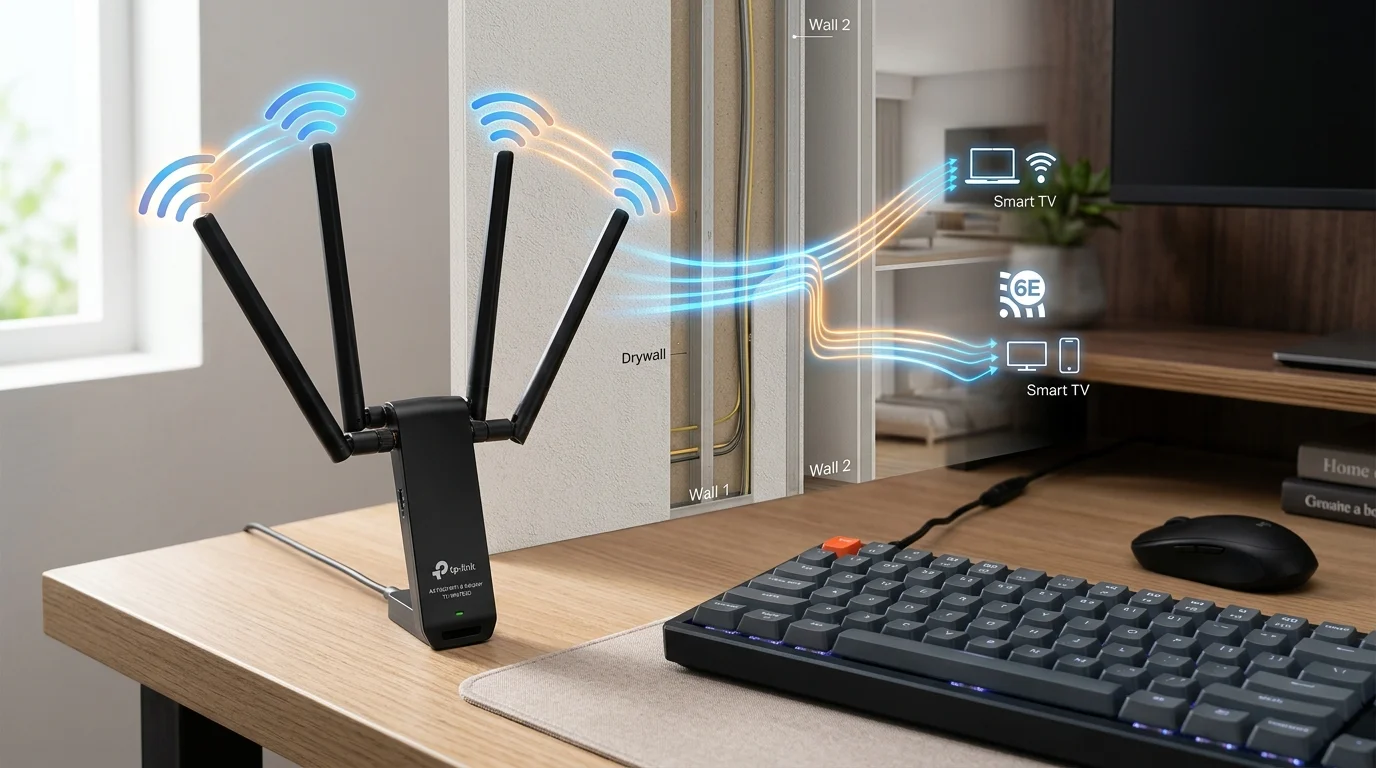
298 Mbps at 50 feet, 198 Mbps at 65 feet. The 4-antenna design beats 2-antenna options at range — with one real trade-off.
If your desktop sits 40+ feet from the router, a standard adapter won't cut it. We tested three high-gain options.

Nano vs 2x5dBi vs 4x3dBi adapters at 15 to 65 feet. Close range barely matters — at 65 feet, 4 antennas deliver 4x throughput.
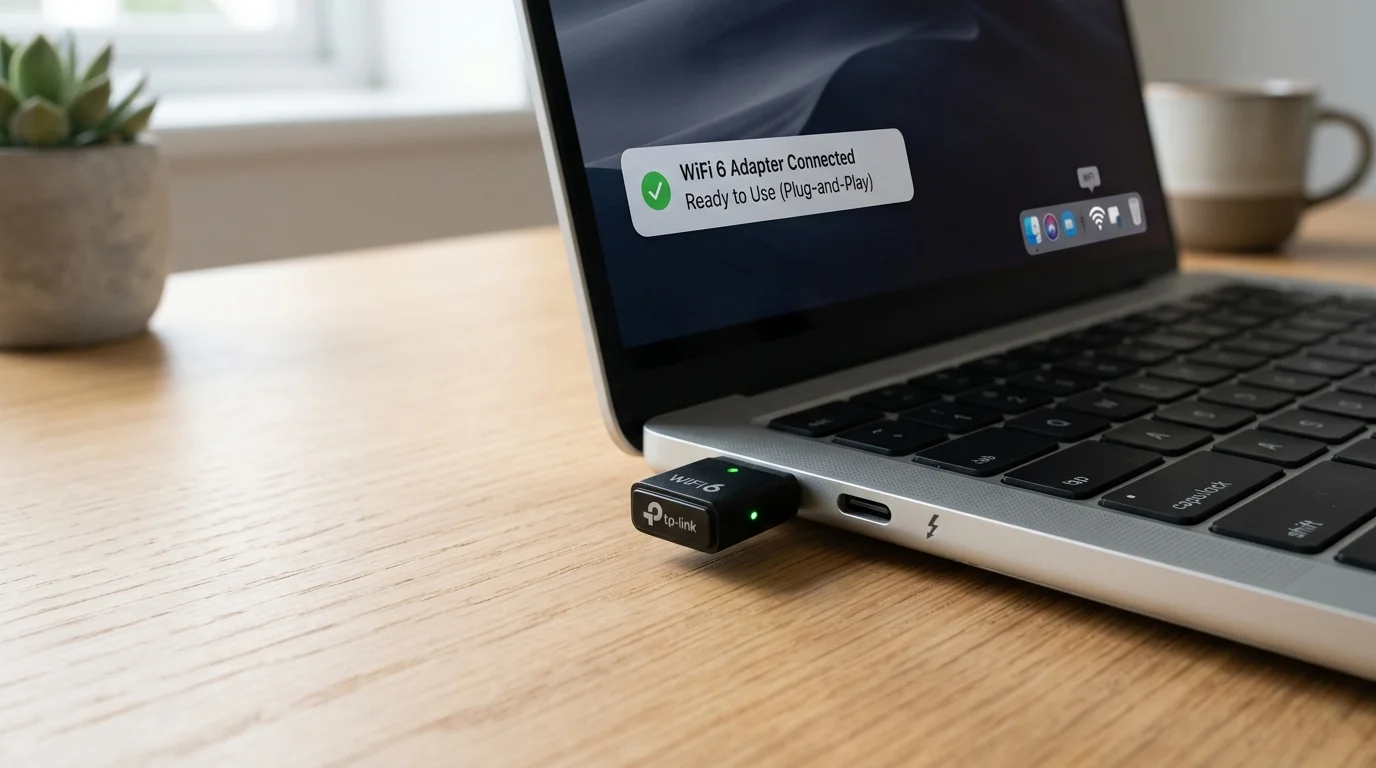
Built-in driver means plug in and WiFi appears in 20 seconds. 30-day test: 341 Mbps at 10 ft, 241 Mbps at 25 ft.