Does Verizon Fios Offer Self-Install?
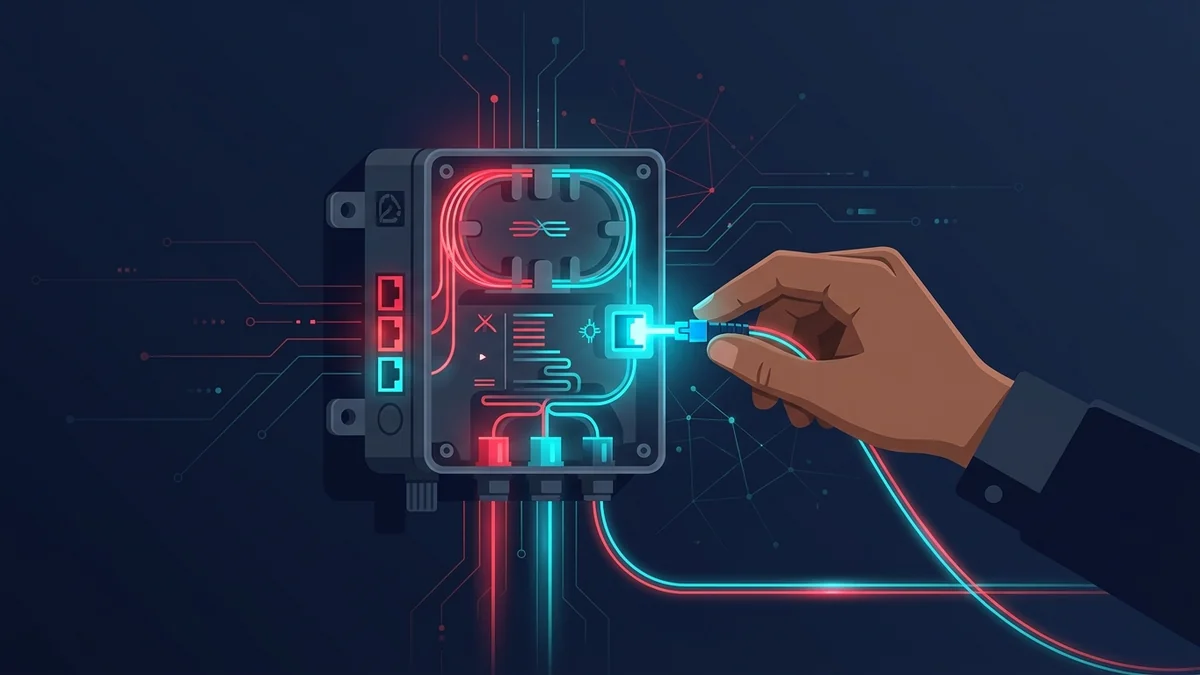
Like AT&T Fiber, a first-time Fios connection typically requires a professional installation to run fiber to an Optical Network Terminal (ONT). Self-install becomes an option only when a previous resident already had Fios and the ONT is already in place.
What Professional Installation Involves
- Technician runs fiber to your home and mounts the ONT (typically 1-3 hours).
- Fios Router is connected to the ONT and activated on-site.
- Technician confirms speed with a live test on multiple devices before leaving.
- Basic WiFi setup and app pairing walkthrough, if requested.
If Self-Install Is Available
With an existing ONT, self-install takes roughly 15-25 minutes: connect the Fios Router to the ONT, power on, and activate via the My Fios app using the account code from your welcome email. The app walks through WiFi name/password setup automatically.
What to Expect on Install Day
Verizon typically offers a 4-hour appointment window. Have a clear idea of where you want the ONT and router placed — ideally near existing network wiring — before the technician arrives. Confirm someone will be home for the full window, as interior access is required to complete the install.