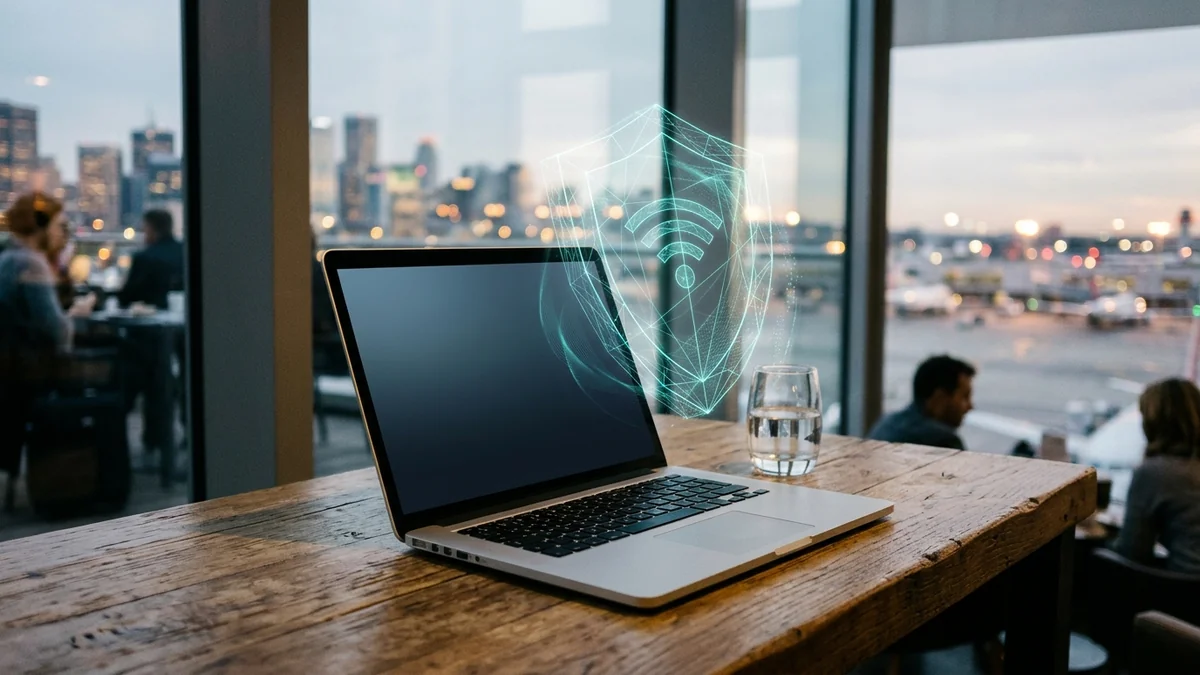
Looking for the best VPN for your Windows laptop or MacBook in 2027? Discover how lightweight WireGuard, split tunneling, and FastTrack keep your laptop cool, fast, and safe on hotel or cafe Wi-Fi.
Protect Your Windows Laptop or MacBook Without Killing Battery or Speed
Surfshark runs ultra-lightweight WireGuard with FastTrack routing on macOS & Windows, CleanWeb tracker blocking, and Split Tunneling (Bypasser) on unlimited machines.
A laptop lives a completely different life than a desktop PC bolted under a desk. You open it at an airport gate, jump onto coffee shop Wi-Fi, plug into hotel Ethernet, close the lid for an hour, and expect instant wake-up without burning 20% battery or breaking your Zoom call.
Yet most VPN reviews only test desktop fiber setups in a quiet office. If you are shopping for the best VPN for your laptop in 2027, here are the four real-world problems you actually need solved—and why Surfshark dominates laptop usability.
1. Battery Drain & Fan Noise: Why WireGuard + FastTrack Matters
If you ever installed an old VPN and noticed your MacBook warming up or your Windows ultrabook losing an hour of battery life, legacy OpenVPN encryption was the culprit. Modern laptops need lean, kernel-level WireGuard.
Surfshark goes a step further with FastTrack smart routing (available on macOS and Windows), which automatically picks less congested international paths without forcing your laptop CPU to retry dropped packets. Less packet retransmission means cooler chips, lower latency on Teams/Zoom, and virtually zero noticeable battery hit.
2. Sleep/Wake Leaks & "Evil Twin" Airport Wi-Fi
Prevent evening bandwidth shaping, DNS snooping, and IP leaks across PC, mobile, smart TVs, and routers without sacrificing fiber speeds:
Disclosure: Partner affiliate links — we may earn a commission at no extra cost to you.
Here is what happens on cheap VPNs when you close your laptop at a cafe and reopen it five minutes later: your Wi-Fi reconnects before the VPN app wakes up. For 3 to 10 seconds, background tabs, cloud sync, and emails leak raw traffic onto public Wi-Fi.
Two features eliminate that window completely:
- System-Wide Kill Switch: Instantly pauses non-VPN traffic the millisecond the tunnel drops.
- Auto-Connect on Untrusted Wi-Fi + Everlink: Automatically arms encryption whenever your notebook touches an unknown hotspot and self-heals drops invisibly.
🧪 Check your real line in 15 seconds: Compare your connection before and after turning on your VPN with our free Internet Speed Test or verify your public IP & WebRTC leaks using the Free IP & WebRTC Scanner.
3. Split Tunneling (Bypasser): Stop Fighting Your Bank & Local Printer
The #1 annoyance people complain about with laptop VPNs is having to toggle the VPN off every time they check a local banking website, print over Wi-Fi, or access an office intranet. With Surfshark's Bypasser, you choose which apps or websites go straight through your local Wi-Fi while all your browsing, travel research, and streaming stay inside the encrypted tunnel.
Laptop VPN Checklist for 2027 (Quick Comparison)
| Laptop Need | What You Want in 2027 | Surfshark Advantage |
|---|---|---|
| Work + Personal Laptops | One login for every machine | Unlimited devices included |
| Travel & Cafes | Zero leak after lid sleep | Kill Switch + Everlink recovery |
| Slow Hotel Wi-Fi | Smart route acceleration | FastTrack + CleanWeb ad-block (saves bandwidth) |
| Price for Students/Nomads | Under $3/month | $2.19/mo (82% OFF 2-year deal) |
Also check our Windows optimization tweaks in How to Speed Up a VPN on Windows 11 if you want every last megabit out of your laptop Wi-Fi card.
Lock Down Your Laptop Today—Risk Free for 30 Days
Install Surfshark on your Windows laptop, MacBook, and tablet in under two minutes. Full refund guarantee if your speeds aren't faster and smoother.